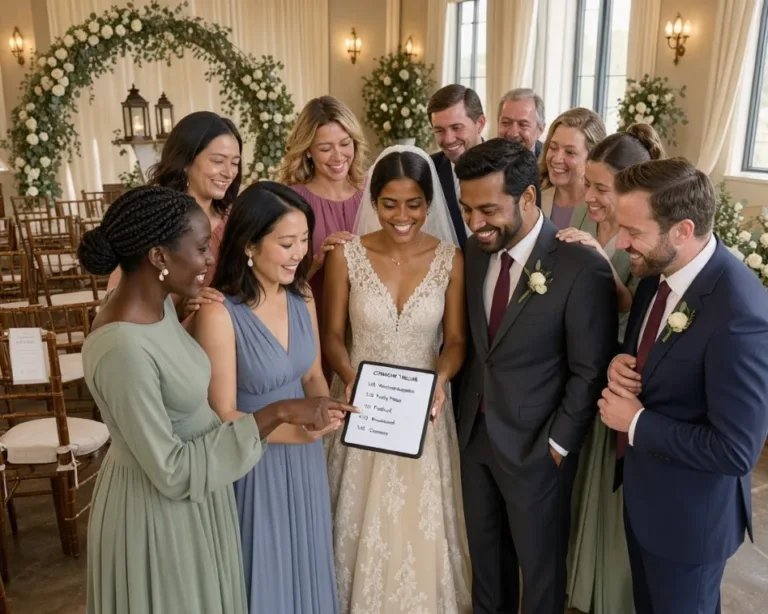
How to Create a Wedding Seating Chart That Works
You can make a wedding seating chart that works by confirming your guest list. Map the room, group guests with care, assign tables, and show each assignment clearly.
Start with a plan that helps guests find their places and feel welcome. A good layout also leaves room for dinner service and dancing.
Your choices can affect how family members feel and how easily friends talk. A thoughtful seating plan can prevent awkward moments without making the day feel stiff.
First, confirm who is coming, then sketch the venue before you seat anyone. Group guests by their ties to you, and place each group at a fitting table.
You can revise the plan as replies arrive or family needs change. Keep the guest list close while you test each table group.
The right layout supports your reception, from the first meal to the dance floor. It also makes the entrance easier to navigate when guests arrive together.
A clear draft gives you room to make careful adjustments before guests arrive.
How to Make a Wedding Seating Chart
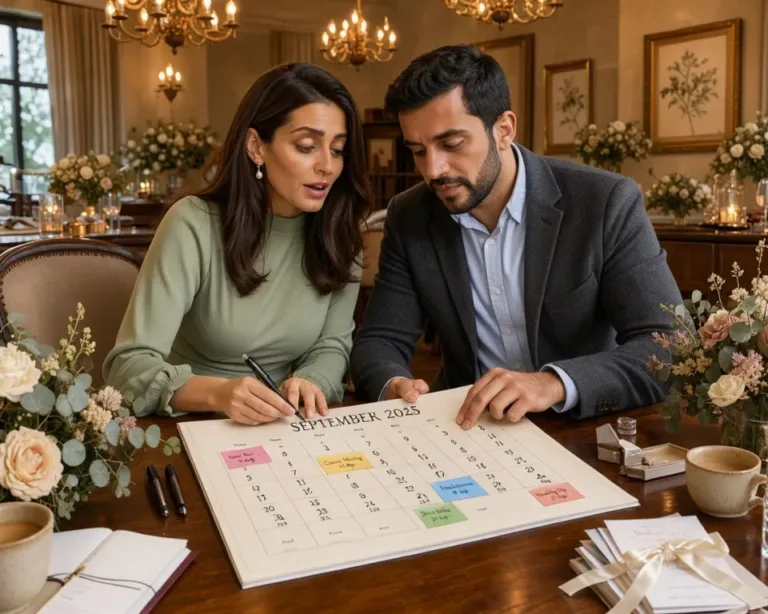
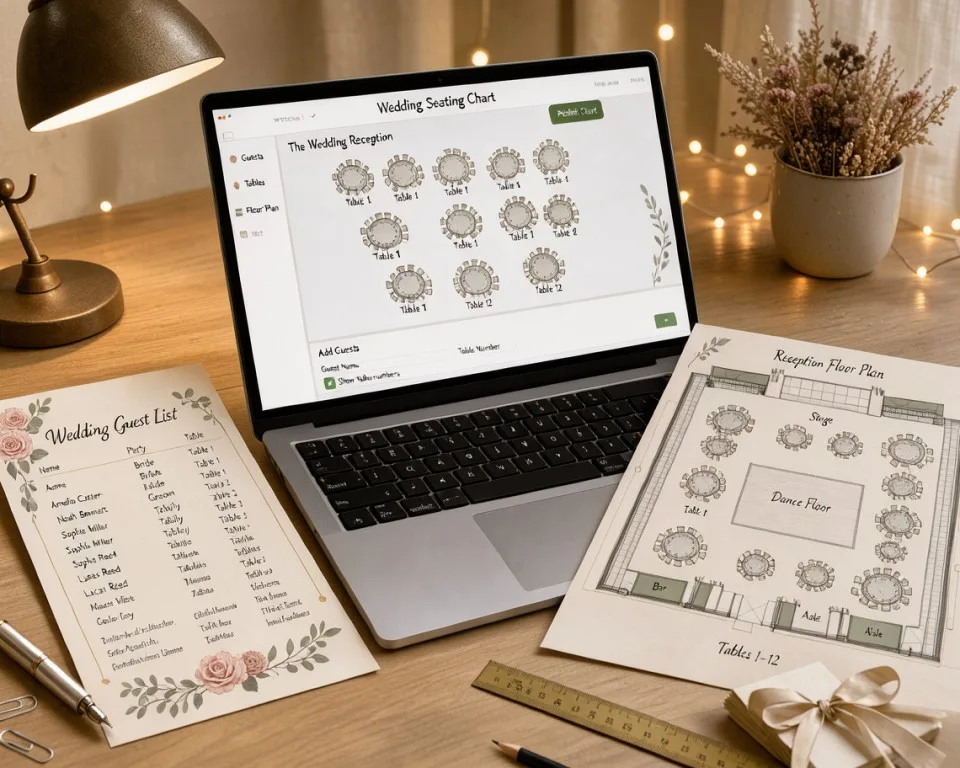
Start with one guest list that tracks each person’s RSVP, group, meal needs, and eventual table assignment. A spreadsheet is the easiest way to make a seating chart for a wedding.
Excel and Google Sheets can hold names, meal choices, and table numbers. A floor plan helps you test whether the room will work.
Confirm the guest list and group people
Record confirmed guests, plus-ones, meal choices, and relationship groups in Excel or Google Sheets. Start a rough seating plan before every RSVP is final.
Use one row for each person, including each plus-one. Add a column for RSVP status, another for meal needs, and one for the assigned table.
Begin grouping people who know one another, such as college friends or close relatives. You can adjust those groups when more replies come in.
A shared guest list planning guide can help you track names and plus-ones. Keep the same spelling across your list and chart.
Map the room before assigning tables
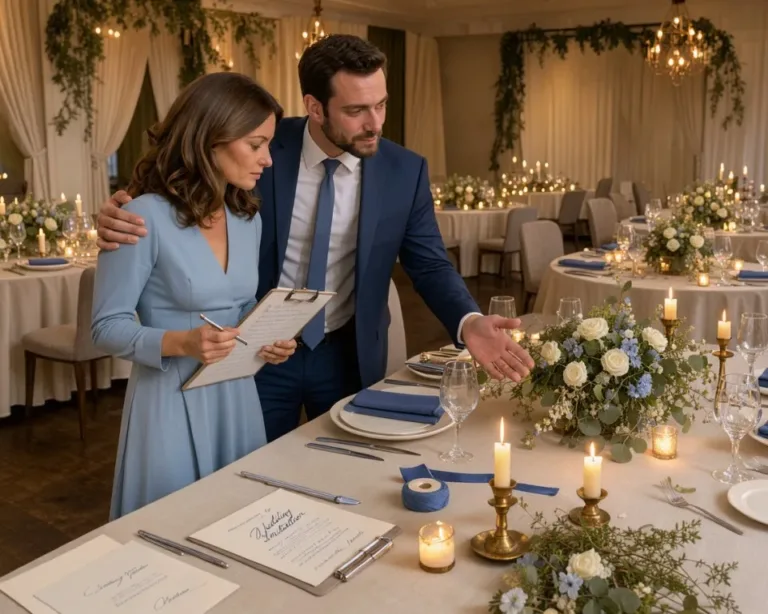
Ask the venue for its floor plan and table inventory. Mark the dance floor, band or DJ, bars, buffet, entrances, exits, bathrooms, and kitchen.
To generate a seating chart, enter guests, tables, and room features, then assign groups. A spreadsheet makes assignments easy to change as the guest list shifts.
Use the floor plan to test how people and staff will move through the room. Place doors and service areas before drawing in the tables.
The layout may change when you learn which table shapes the venue has. Check the venue’s actual table inventory before treating a draft layout as final.
Choose an Assignment Style That Fits Your Reception
For a larger celebration, assign guests to tables. Open seating can work for a smaller, casual reception.
An assigned seating chart names each guest’s table, while place cards name an exact seat. An escort card is an individual card displayed near the reception entrance with a guest’s name and assigned table.
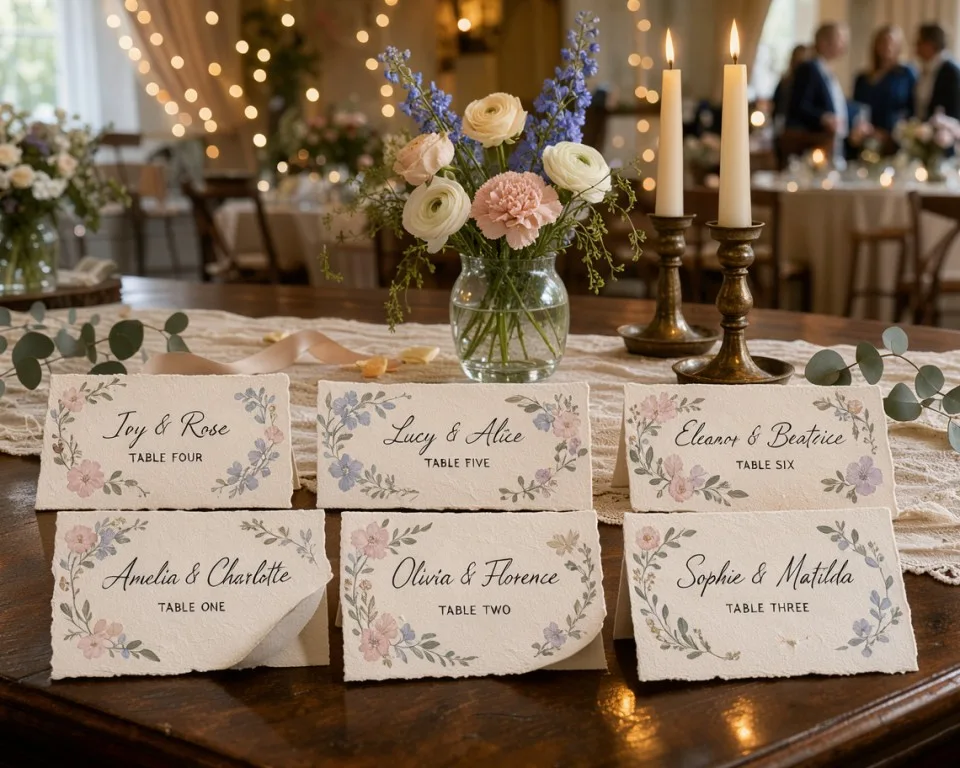
Most couples choose assigned seating for celebrations with more than 50 guests. It gives guests a clear destination and helps the reception start smoothly.
Add place cards when guests need exact seats or when meal choices must be clear. For example, a card can mark the seat for a guest with a special meal.
A casual reception can use open seating instead of an entrance chart. You can also reserve a few tables and let guests choose among the rest.
That middle option gives close family a clear place without assigning every seat. Guests still have room to sit with friends.
For a relaxed wedding, a sign can point guests toward open tables. See more guest place card ideas for a smaller gathering.
Choose the least restrictive format that still tells every guest where to go.
Plan Table Capacity and Clearances
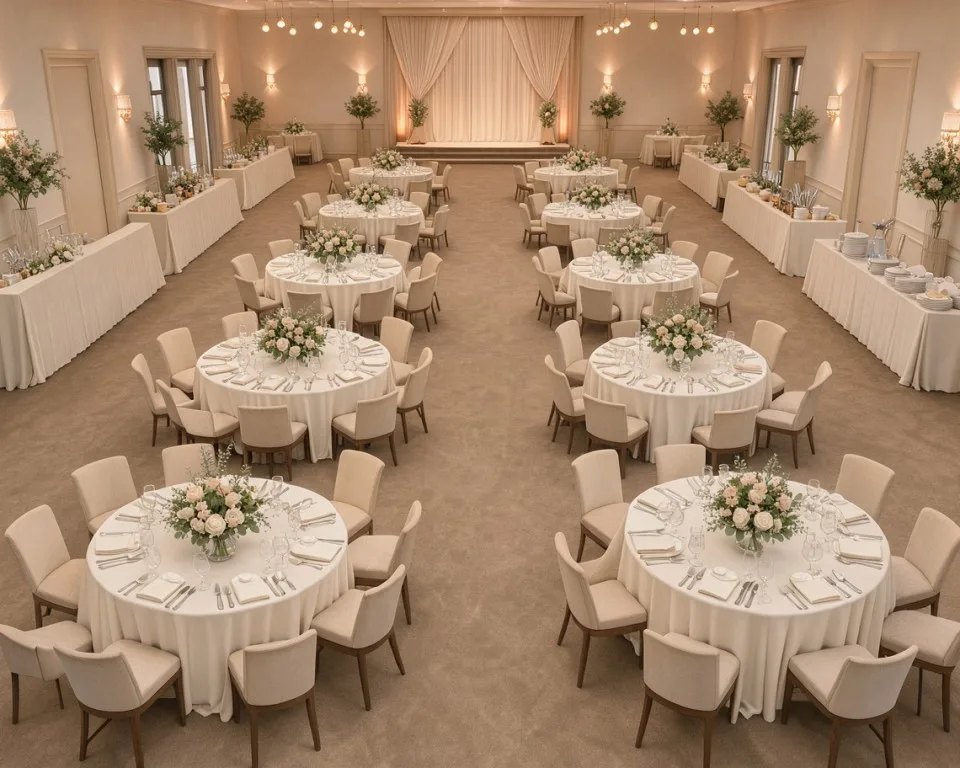
A room that fits the tables on paper can still feel crowded if chair clearance and server aisles are missing. Table shape and size affect both comfort and how many seats fit.
A 60-inch round table seats 8 to 10 people, while a 72-inch round table seats 10 to 12. A 36-inch round table seats four, and a 48-inch round table seats six.
A 6-foot banquet table seats three people along each long side. You can add one at each short end, for a maximum of eight.
An 8-foot banquet table seats four along each long side. With one guest at each end, it holds up to 10 people.
A square table can seat 8 to 10 people, depending on the seat arrangement. Diamond seating needs 24 inches between table corners.
Standard seating calls for 42 inches between tables. Service seating calls for 60 inches between tables, leaving a 26-inch service aisle between seats.
Allow 18 inches from the table edge to the back of a seated guest’s chair. Leave at least 24 inches between chairs, measured from each seat’s center.
Leave 30 inches from the back of a chair to a wall. These gaps help guests sit down while staff carry food through the room.
Maximum capacity may not feel comfortable when chairs, place settings, or centerpieces take space. Shared platters need room too, so test the setup with serving dishes.
See family-style table ideas for ways to leave space for shared food. Confirm the venue’s table sizes and preferred service clearances before locking in each table’s guest count.
Seat Family and Friends With Care
Start with the people whose placement is clearest: immediate family and the wedding party. Their seats can shape the rest of the room.
Immediate family often sits closest to the couple. The wedding party may sit at the head table or at nearby tables.
Place close relatives and the wedding party
A sweetheart table gives the couple a table alone. It can let wedding party members sit with their own guests instead of at the head table.
Divorced parents can sit at separate tables with their respective families. Choose seats that help each parent feel at ease during the reception.
For more ways to plan family seating, think through comfort and conversation. A seating chart can keep parents apart without making either feel pushed aside.
Balance friend groups and special needs
Keep familiar groups together when that works, including college friends who share stories. Avoid leaving a guest who attends alone at a table of strangers.
Place older guests away from speakers and near exits when possible. They may want an easy route out or less noise during dinner.
Children often sit with their parents. Older children may enjoy a kids’ table if they know one another and can manage the meal.
Some groups will not fit at one table. Split them across nearby tables so guests can still talk across the gap.
Review each table for both interpersonal comfort and the access needs of its guests.
Compare Free and Paid Seating Chart Tools
You can make a wedding seating chart for free with tools such as Zola or WeddingWire, but some services charge for saving, exporting, or extra features. Zola and WeddingWire offer free wedding seating chart tools.
Zola suits couples who want guest-list details and table plans in one place. WeddingWire offers more ways to map parts of the room.
Guest-list-connected planners
Zola imports confirmed guests from its guest list. It supports round or rectangular tables and exports a print-ready PDF.
Zola also allows separate plans for the ceremony, rehearsal dinner, and reception. Guest tags can mark meals, food limits, and custom labels.
Its templates can match the tables at your venue. That can save time when you set up the room plan.
WeddingWire is free and supports circular or square tables. You can assign guests by dragging names onto tables.
It also lets you add room areas, such as bars and dance floors. You can print, email, or export the chart, and plan several wedding events.
Flexible floor-plan and seating tools
Social Tables has a free tier with plans drawn to scale. It also offers one-click automatic seating.
Table Tailor has a free tier and a one-time Pro upgrade with export. Its seating rules flag guests placed together or kept apart against your rules.
SeatPlan.io lets you design a chart for free. Saving, exporting, and its QR finder require paid features.
Top Table Planner offers a free trial and a one-time license. It can print seating charts, place cards, and escort cards from one seating plan.
Match the tool to the task, not just its name. Some tools focus on guest data, while others help shape the room.
Free tiers, paid upgrades, and print options
Forever Farrah is free to start. Its Celebration plan costs $69 for up to 125 guests, and its Forever plan costs $119 for any number of guests.
Both plans include every feature. Each has a QR seat finder, so guests scan a code, enter their name, and see their table highlighted on a room map.
The Knot offered printable templates instead of a digital seating chart as of September 2026. A printable design is not the same as a tool that assigns guests.
Check whether the feature you need comes with a free tier. Saving and exporting may cost extra, even when chart design is free.
Compare the exact export and guest-finding features you need before committing to a paid plan.
Design and Display the Finished Chart
A seating chart is useful only if guests can find their names and read the table assignments at a glance. A clear layout helps people move into the reception without stopping for long.
List guests in alphabetical order with their table numbers, or group names by table. Keep the text large and leave space around each name.
Make the names easy to scan
An alphabetical list helps guests find their names quickly. Grouping names by table can work well when the table names are easy to spot.
Use one format throughout the chart. Check that names are spelled correctly and that each table assignment matches your final plan.
For a small display, escort cards can replace one large chart. A well-spaced wall of cards lets guests pick up their own assignment.
Choose a printed or DIY display
Canva offers wedding seating chart templates you can change and print. It displayed 571 templates when accessed in 2026.
Staples offers foam board posters, with designs you can make from a template or your own file. You can also print the chart on paper and frame it.
A framed display can use 12 frames sized 5 by 7 inches. Paint them in three colors, apply two coats, and add printed cardstock.
Place the display where guests can see it as they enter. Keep it clear of doors and accessible routes.
For more wedding sign ideas, consider a mirror or framed panel. Test the printed names at the viewing distance guests will have in the reception space.
Conclusion
A thoughtful seating plan gives guests a clear place to start and helps the reception feel welcoming. It should also leave the room ready for dinner, conversation, and dancing.
Review every name against the confirmed guest list, then compare assignments with the venue plan. A final check can catch a missing plus-one or a table that no longer fits.
Set a time with your partner to review the confirmed guest list against the final floor plan before sending the chart to print.